Search on internet~ You can try:
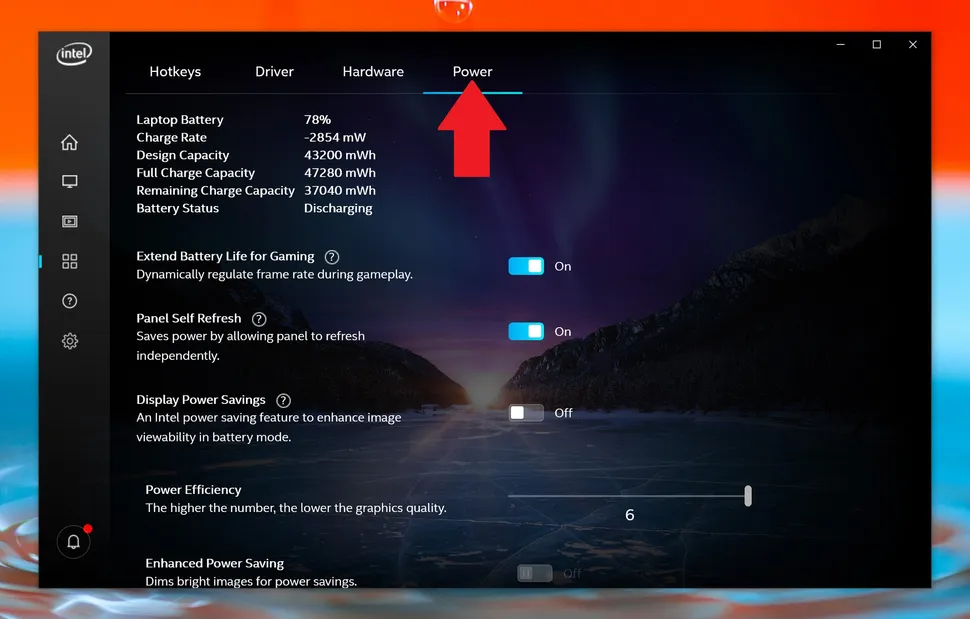
To Disable Display Power Saving Technology in the Intel® Graphics Control Panel:
Open Intel® HD Graphics Control Panel.
Select Power.
Select On Battery.
Disable the Display Power Saving Technology (Intel® DPST)
Set Graphics Power Plan to Maximum Performance.
Save changes and exit.
 簡體版
簡體版 訂閱頻道
訂閱頻道 訂閱電子報
訂閱電子報




 發表於 2022-9-28 14:17
|
發表於 2022-9-28 14:17
|