
作者: javacomhk 時間: 2022-8-3 19:27 標題: Rust Programming
本帖最後由 javacomhk 於 2022-8-4 23:36 編輯
(1) rust compiler 安裝方法 Mac / Linux
- curl https://sh.rustup.rs -sSf | sh
- source "$HOME/.cargo/env"
- rustc -V
- cargo -V
- cargo new --bin hello_world
- cd hello_world
- cargo run
安裝 dependencies (mac)
- brew install sdl2
- brew install sdl2_ttf
- sudo apt-get install libsdl2-dev
- sudo apt-get install libsdl2-ttf-dev
https://github.com/PacktPublishi ... game_mechanisms.zip
解壓後
unzip game_mechanisms.zip
cd game_mechanisms
cargo run
[attach]2333111[/attach]
作者: javacomhk 時間: 2022-8-4 20:14
第二部份 Cross Compile Rust Program Using Docker
(1) 在 Windows 下安裝及運行 Docker Desktop for Windows (https://docs.docker.com/desktop/install/windows-install/)
(2) 下載測試遊戲源代碼於 https://github.com/C14L/termsnake/archive/refs/heads/master.zip
(3) 解壓master.zip 於例如 C:\Users\user\Downloads
(4) 創建 Dockerfile 檔案於 例如 C:\Users\user\Downloads 如下內容
- FROM rust:latest
-
- RUN apt update && apt upgrade -y
- RUN apt install -y g++-mingw-w64-x86-64
-
- RUN rustup target add x86_64-pc-windows-gnu
- RUN rustup toolchain install stable-x86_64-pc-windows-gnu
-
- WORKDIR /app
-
- CMD ["cargo", "build", "--target", "x86_64-pc-windows-gnu"]
- cd C:\Users\user\Downloads
- docker build . -t rust_cross_compile/windows
- cd C:\Users\user\Downloads\master\termsnake-master
- docker run --rm -v C:\Users\user\Downloads\master\termsnake-master:/app rust_cross_compile/windows
- cd C:\Users\user\Downloads\master\termsnake-master
- cd target\x86_64-pc-windows-gnu\debug
- termsnake.exe
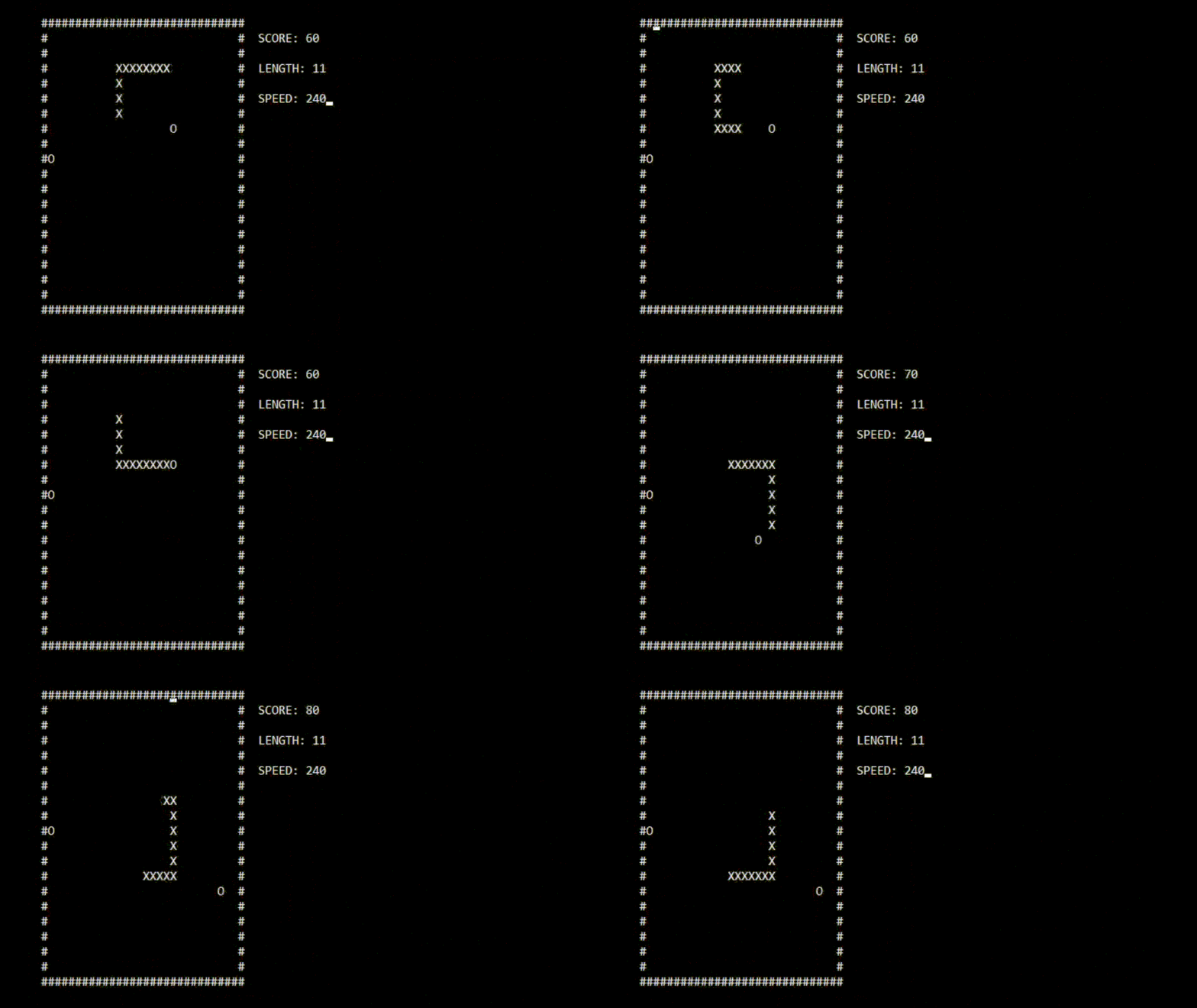
作者: javacomhk 時間: 2022-8-5 09:41
使用 Windows WSL2 及 Docker Desktop for Windows cross compile rust program
(1) 安裝 Windows WSL2 Ubuntu 及 Docker Desktop for Windows
(2) 在 Windows WSL2 安裝 rust compiler
- sudo apt update
- sudo apt install curl zip unzip
- curl https://sh.rustup.rs -sSf | sh
- source "$HOME/.cargo/env"
- rustc -V
- cargo -V
- cargo install -f cross
- curl -OL https://github.com/C14L/termsnake/archive/refs/heads/master.zip
- unzip master.zip
- cd termsnake-master/
- cross build --target x86_64-pc-windows-gnu
作者: javacomhk 時間: 2022-8-5 10:17
本帖最後由 javacomhk 於 2022-8-5 04:00 編輯
cross 支持很多 platforms (主要是為了 embedded system) https://github.com/cross-rs/cross
包括例如 Raspberry Pi
- # Cross-compiling to aarch64 (arm64)
- cross build --target aarch64-unknown-linux-gnu
- # Cross-compiling to armv7
- cross build --target armv7-unknown-linux-gnueabihf
作者: javacomhk 時間: 2022-8-5 15:22
本帖最後由 javacomhk 於 2022-9-20 01:00 編輯
第三部份,使用 Windows WSL2 Ubuntu 及 Visual Studio Code 進行開發,debug 及 build
(1) 安裝 Windows WSL2 Ubuntu 後 , 根據上面步驟,安裝 rust 及 Docker Desktop for Windows
(2) 下載及安裝 Visual Studio Code for Windows https://code.visualstudio.com/download
(3) 在 Visual Studio Code 安裝遠端開發擴充套件 Remote - WSL extensions
(4) 在 Visual Studio Code 安裝其他 extensions 包括 rust-analyzer 及 codeLLDB
(5) 測試及 debug hello_world
- cargo new --bin hello_world
- cd hello_world
- code .
[youtube]rarFePIdNoc[/youtube]
(7) git clone 一些 rust 項目 在 Visual Studio Code edit 及 debug
- git clone https://github.com/uutils/coreutils.git
- code .
開啟 Docker Desktop for Windows
在 WSL2 Ubuntu 內 cross build
- cd coreutils
- cross build --target x86_64-pc-windows-gnu --release --features windows
- cp target/x86_64-pc-windows-gnu/release/coreutils.exe /mnt/c/Users/user/.
- C:\Users\user\coreutils.exe date -I minutes
https://betterprogramming.pub/5- ... -tools-506af07b6d54
作者: javacomhk 時間: 2022-8-7 12:54
本帖最後由 javacomhk 於 2022-8-7 08:12 編輯
第四部份, Rust and WebAssembly
Youtube 教學
[youtube]0ywizYLPV00[/youtube]
下載 project code 及解壓
- curl -OL https://github.com/yishn/lets-code/archive/refs/heads/main.zip
- unzip main.zip
- cd lets-code-main/minesweeper
- curl https://rustwasm.github.io/wasm-pack/installer/init.sh -sSf | sh
- wasm-pack build --target web
- curl -o- https://raw.githubusercontent.com/nvm-sh/nvm/v0.39.1/install.sh | bash
- #Append the following lines to ~/.bashrc :
- export NVM_DIR="$HOME/.nvm"
- [ -s "$NVM_DIR/nvm.sh" ] && \. "$NVM_DIR/nvm.sh" # This loads nvm
- nvm install 16
- npm install serve -g
- serve
- Local: http://localhost:3000
[attach]2333625[/attach]